Instagram Grid
Written By Social Hampster
Last updated 5 months ago
Displays your Instagram posts in an even column grid. All posts are the same size, creating a clean and structured layout. Available on the Free plan.
Plan: Free and aboveHow to Insert
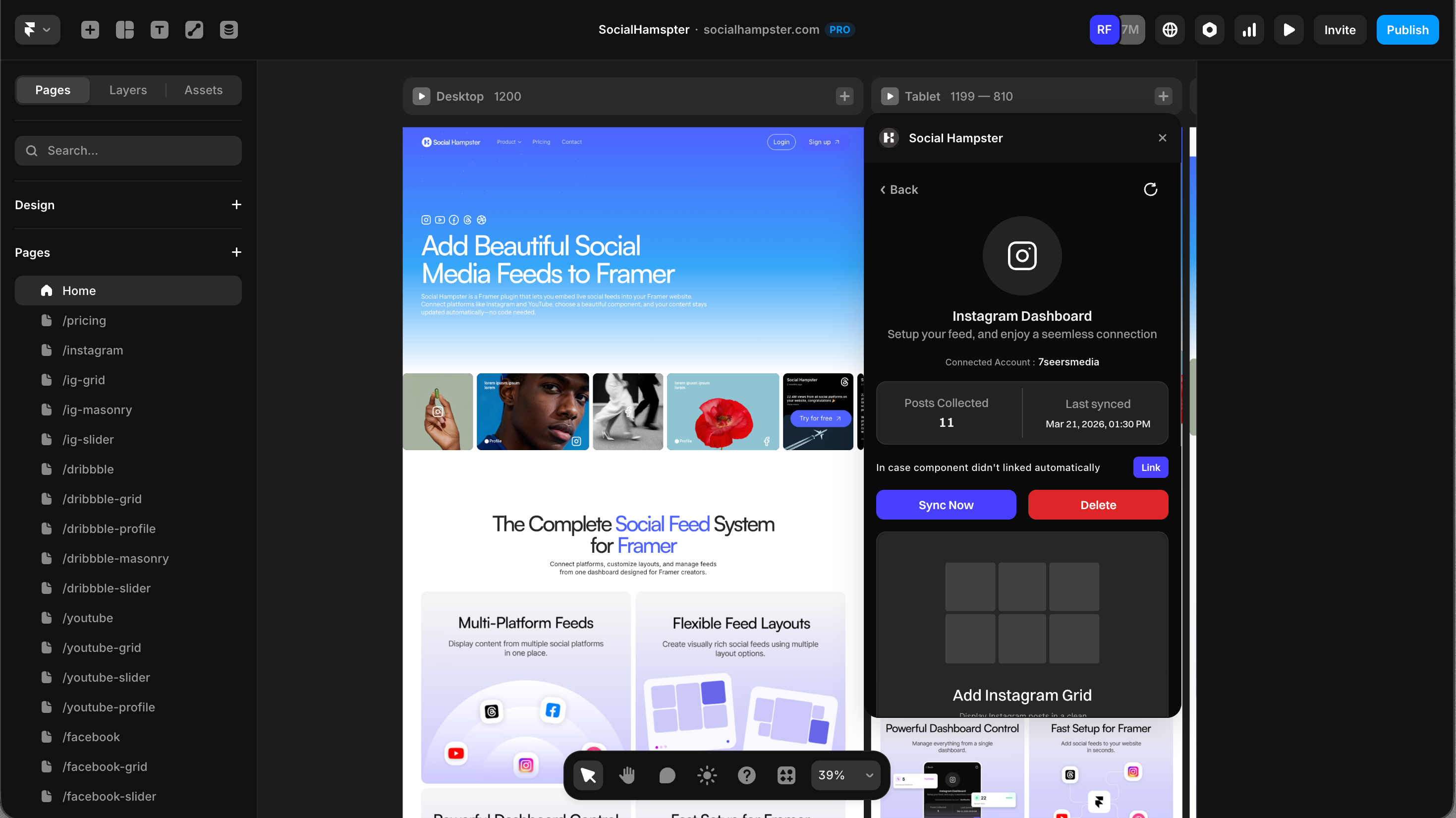
From the plugin: After connecting your Instagram account, click Grid in the plugin panel. The component will be inserted directly onto your Framer canvas.
From the dashboard: Go to your feed in the Social Hampster dashboard, click Details, then click Copy next to Grid. Switch to Framer and paste with Cmd+V (Mac) or Ctrl+V (Windows).
Props Reference
Reels in the Grid
Reels appear in the Grid automatically alongside your photos, in the same order you posted them on Instagram. There is no separate setting to enable this. If you have Reels on your Instagram account, they will show up in the feed as video cards.
Note: Reels are available on the Personal plan and above.
Common Issues
Feed shows in the editor but not on the published site
You need to whitelist your domain. Go to your feed in the Social Hampster dashboard, click Details, and add your published site domain under the Allowed Domains section.
Some posts are missing
Try syncing the feed from the dashboard using the Sync button on your feed card. Posts that are archived, deleted, or set to private on Instagram will not appear.