Instagram Slider
Written By Social Hampster
Last updated 5 months ago
Displays your Instagram posts as a horizontal scrolling carousel. Visitors can click left and right arrows to browse through posts. Great for featured content, portfolio highlights, or adding visual interest to a section of your site.
Plan: Personal and aboveHow to Insert
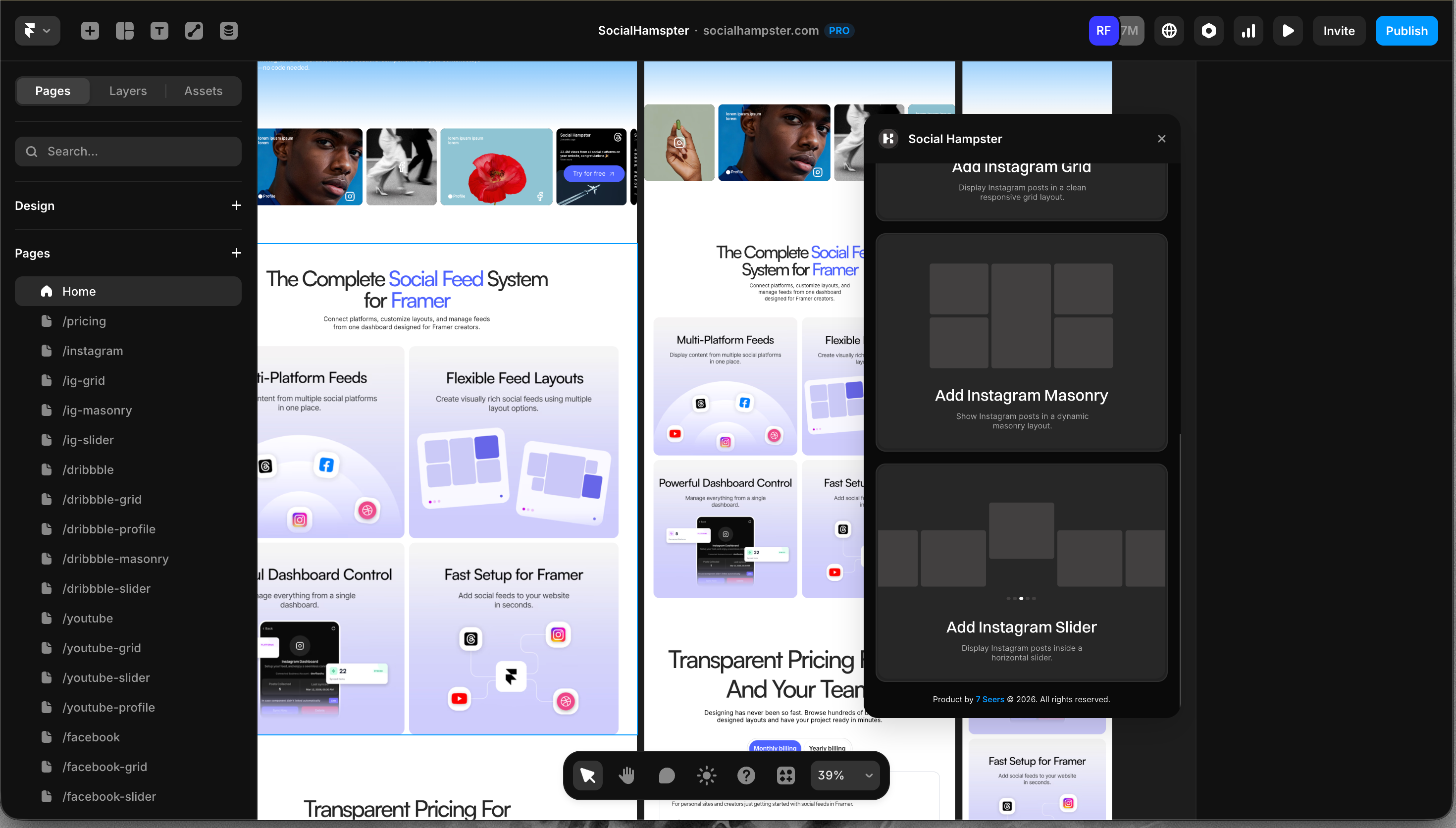
From the plugin: After connecting your Instagram account, click Slider in the plugin panel.
From the dashboard: Click Details on your Instagram feed, click Copy next to Slider, then paste in Framer with Cmd+V or Ctrl+V.
Props Reference
Reels in the Slider
Reels appear automatically in the Slider alongside your photos, in the same order you posted them on Instagram. No extra setting needed. Reels are available on the Personal plan and above.
Common Issues
Arrows are not visible
Check that the Show Arrows prop is turned on. Also check your Arrow Color to make sure it has enough contrast against your slide background.
Auto scroll is not working
Make sure Auto Scroll is enabled and that the Auto Scroll Interval is set to a value greater than zero.
Feed not showing on the published site
Whitelist your domain in the Social Hampster dashboard under your feed's Details page.