What is Social Hampster?
Introduction
Written By Social Hampster
Last updated 5 months ago
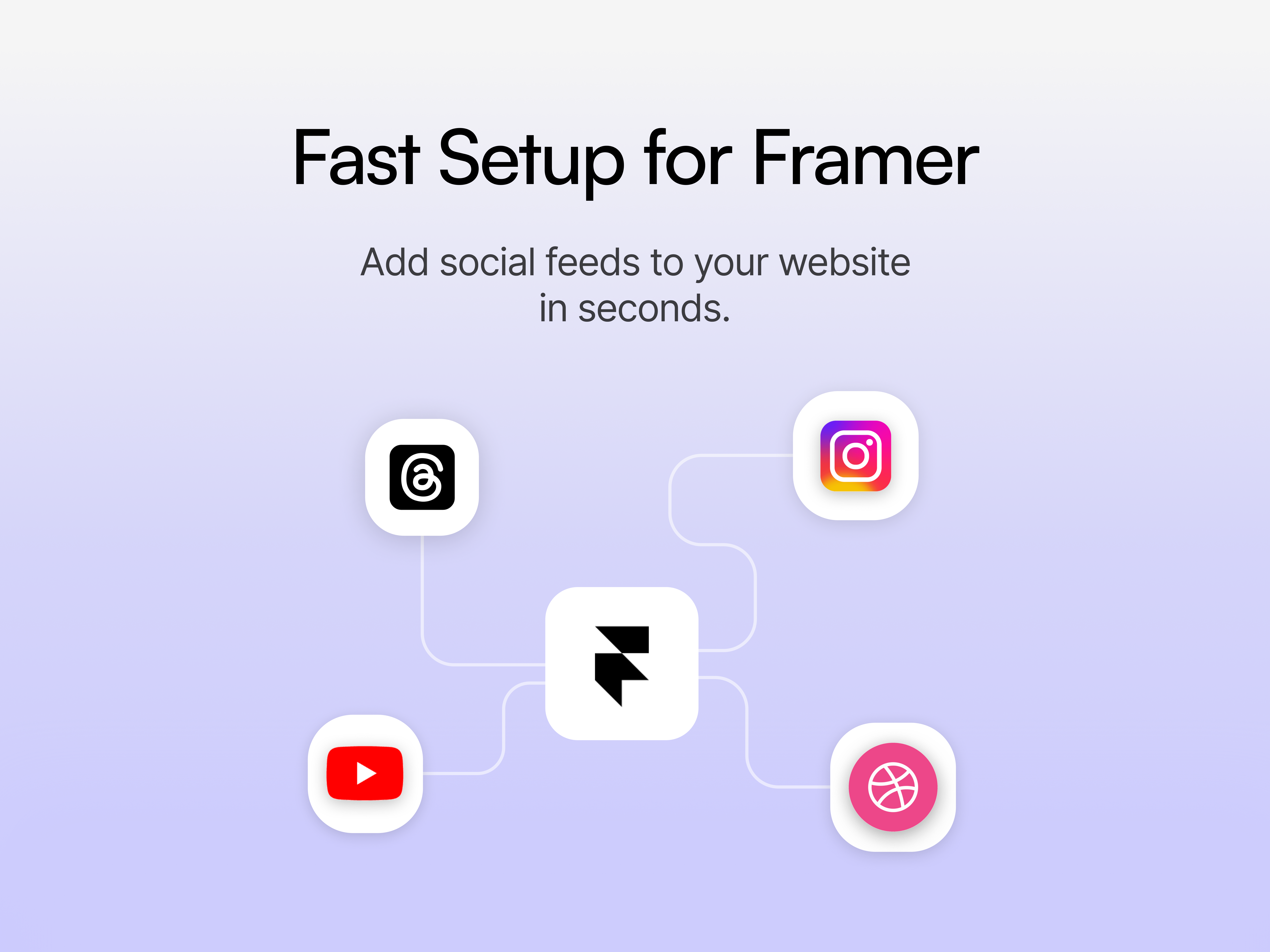
Social Hampster is a Framer-native SaaS plugin that lets you embed live, automatically-updating social media feeds directly into your Framer website. Unlike competing tools that rely on iFrames or external JavaScript bundles, Social Hampster components are real Framer components they appear in your Layers panel, respect your breakpoints, accept Framer variables, and style natively with your design tokens.
You get 16 purpose-built components across 5 major social platforms. Each component is fully configurable through Framer's property panel no code required. For advanced users, every prop is accessible via component overrides.
Native Framer Components
Components live in your Layers panel. No iFrames, no embedded scripts. Full Framer compatibility.
Unlimited Views
Zero view limits on paid plan. Competitors cap free plans at 10,000 views/month. We never do.
⚡ Works Inside Framer
Manage everything from within the Framer plugin panel no separate dashboard required for setup.
Unlimited Views
Zero view limits on paid plan. Competitors cap free plans at 10,000 views/month. We never do.
Component Overview (All 16)
How It Works
Install Social Hampster from the Framer Marketplace (or import manually).
Connect your social accounts in the Social Hampster dashboard at app.socialhampster.com.
Each connected account generates a unique
siteId.Drag any Social Hampster component onto your Framer canvas.
Paste your
siteIdinto the component's props.Configure columns, gap, card style, and any platform-specific options.
Publish and your feed is live and auto-updates whenever you post.
No code required - All props are accessible directly in Framer's right-hand properties panel. Every component has full visual controls. Code examples in this documentation are for advanced users who want to use component overrides or inspect prop types.