Dribbble Grid
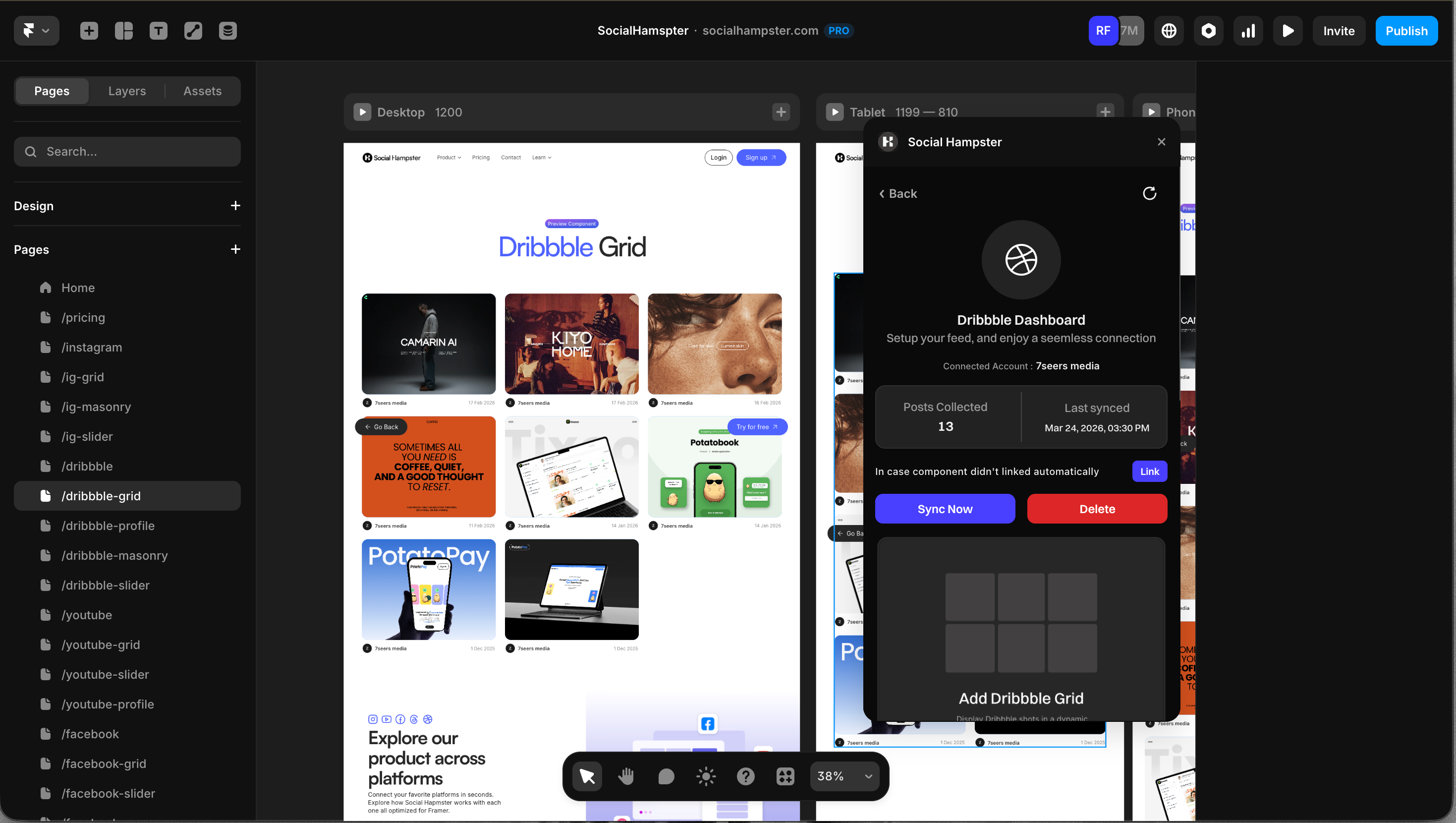
Displays your Dribbble shots in an even column grid
Written By Social Hampster
Last updated 5 months ago
Displays your Dribbble shots in an even column grid. Perfect for designers who want to showcase their portfolio directly on their Framer site without maintaining a separate portfolio page. Available on the Free plan.
Plan: Free and aboveHow to Insert
From the plugin: After connecting your Dribbble account, click Grid in the plugin panel.
From the dashboard: Click Details on your Dribbble feed, click Copy next to Grid, then paste in Framer with Cmd+V or Ctrl+V.
Props Reference
Common Issues
Shots are cropped in an unexpected way
Try switching the Aspect Ratio to match your shots. Dribbble shots are typically in a 4:3 ratio. You can also set Image Fit to Contain to show the full image without cropping.
Feed not showing on the published site
Whitelist your domain in the Social Hampster dashboard under your feed's Details page.