YouTube Grid
Displays videos from your YouTube channel in an even column grid
Written By Social Hampster
Last updated 5 months ago
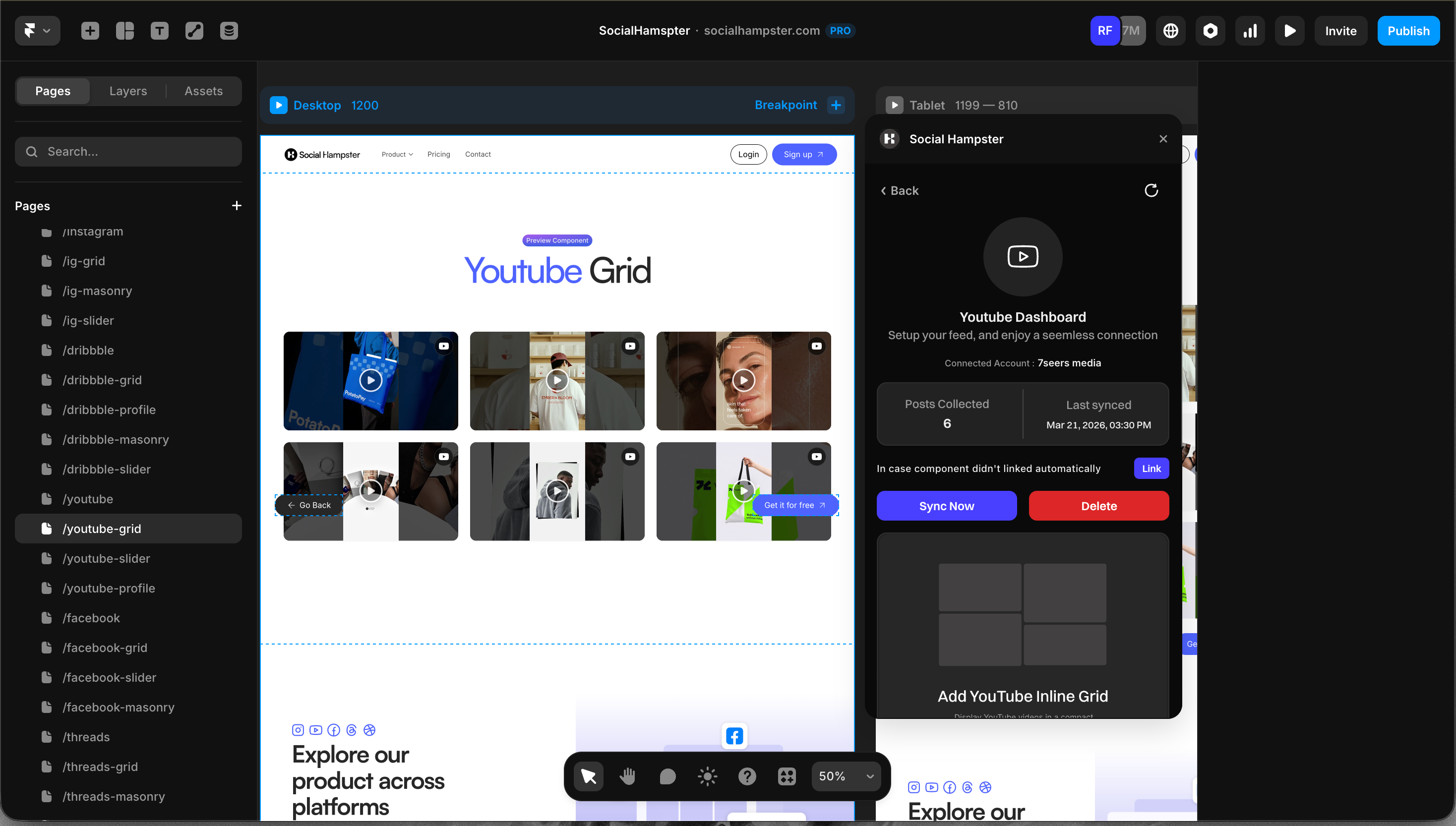
Displays videos from your YouTube channel in an even column grid. Each card shows the video thumbnail. Clicking a card opens the video on YouTube. Available on the Free plan.
Plan: Free and aboveHow to Insert
From the plugin: After connecting your YouTube channel, click Grid in the plugin panel.
From the dashboard: Click Details on your YouTube feed, click Copy next to Grid, then paste in Framer with Cmd+V or Ctrl+V.
Props Reference
Common Issues
Videos are not loading
Check that your domain is whitelisted. In the Social Hampster dashboard, open your feed, click Details, and add your published site URL under Allowed Domains.
Channel is not connecting
Make sure you authorized with the Google account that owns the channel. If you manage the channel through a Brand Account or organization, you may need to select it specifically during the OAuth flow.