Threads Grid
Written By Social Hampster
Last updated 5 months ago
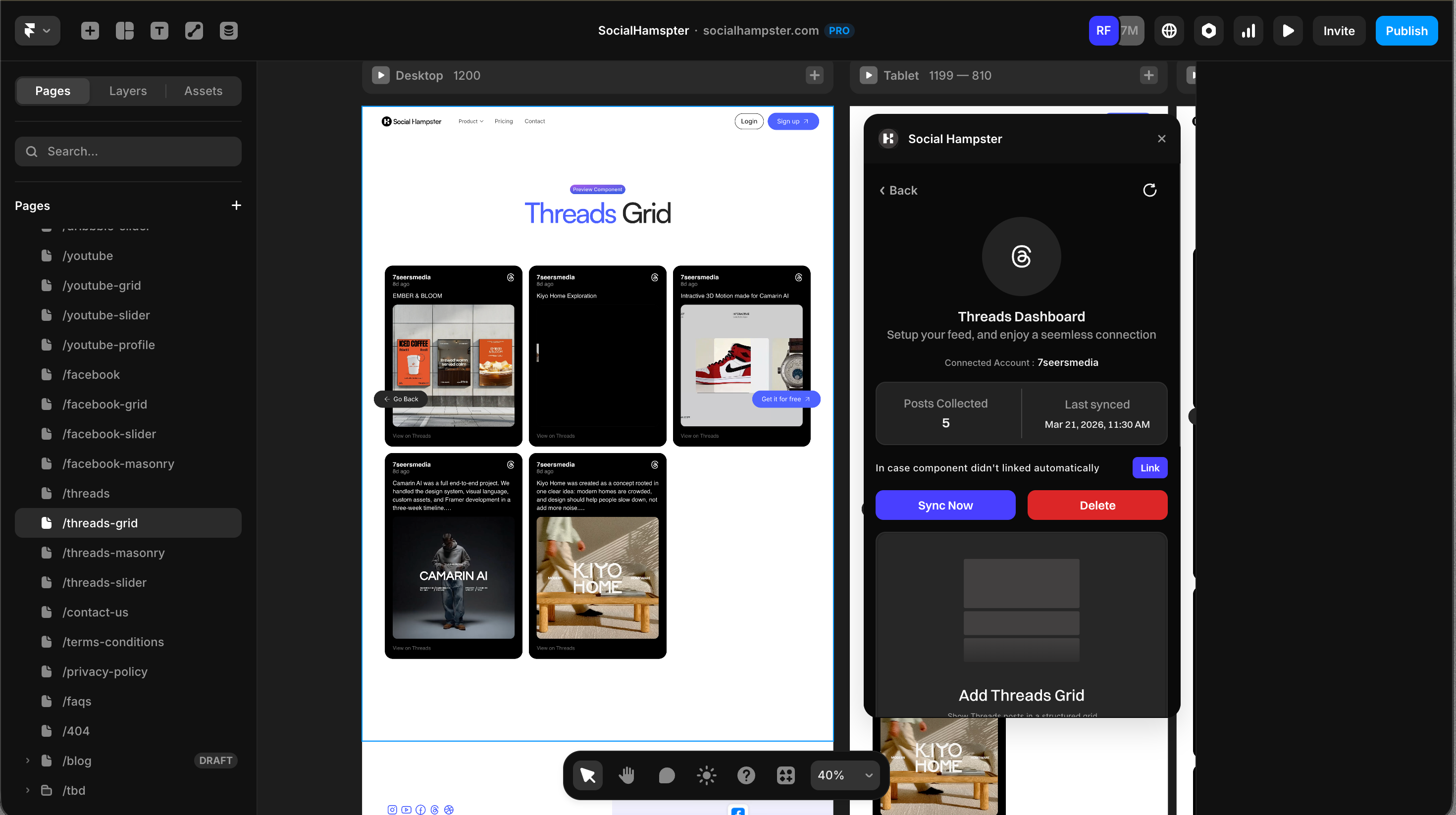
Displays your Threads posts in an even column grid. Social Hampster is one of the only Framer plugins that supports Threads, making this a unique way to showcase your Threads content directly on your site. Available on the Free plan.
Plan: Free and aboveHow Threads posts appear: Threads posts are text-based. When a post includes an image, the image is shown as the card visual. Text-only posts display the post text as the card content. The Background Color prop is especially important for text-only posts to ensure they are readable.
How to Insert
From the plugin: After connecting your Threads account, click Grid in the plugin panel.
From the dashboard: Click Details on your Threads feed, click Copy next to Grid, then paste in Framer with Cmd+V or Ctrl+V.
Props Reference
Common Issues
Text is hard to read on cards
Set a contrasting Background Color for the cards and a matching Text Color. For example, a white or light grey background with dark text works well for text-heavy posts.
Feed not showing on the published site
Whitelist your domain in the Social Hampster dashboard under your feed's Details page.