Facebook Grid
Written By Social Hampster
Last updated 5 months ago
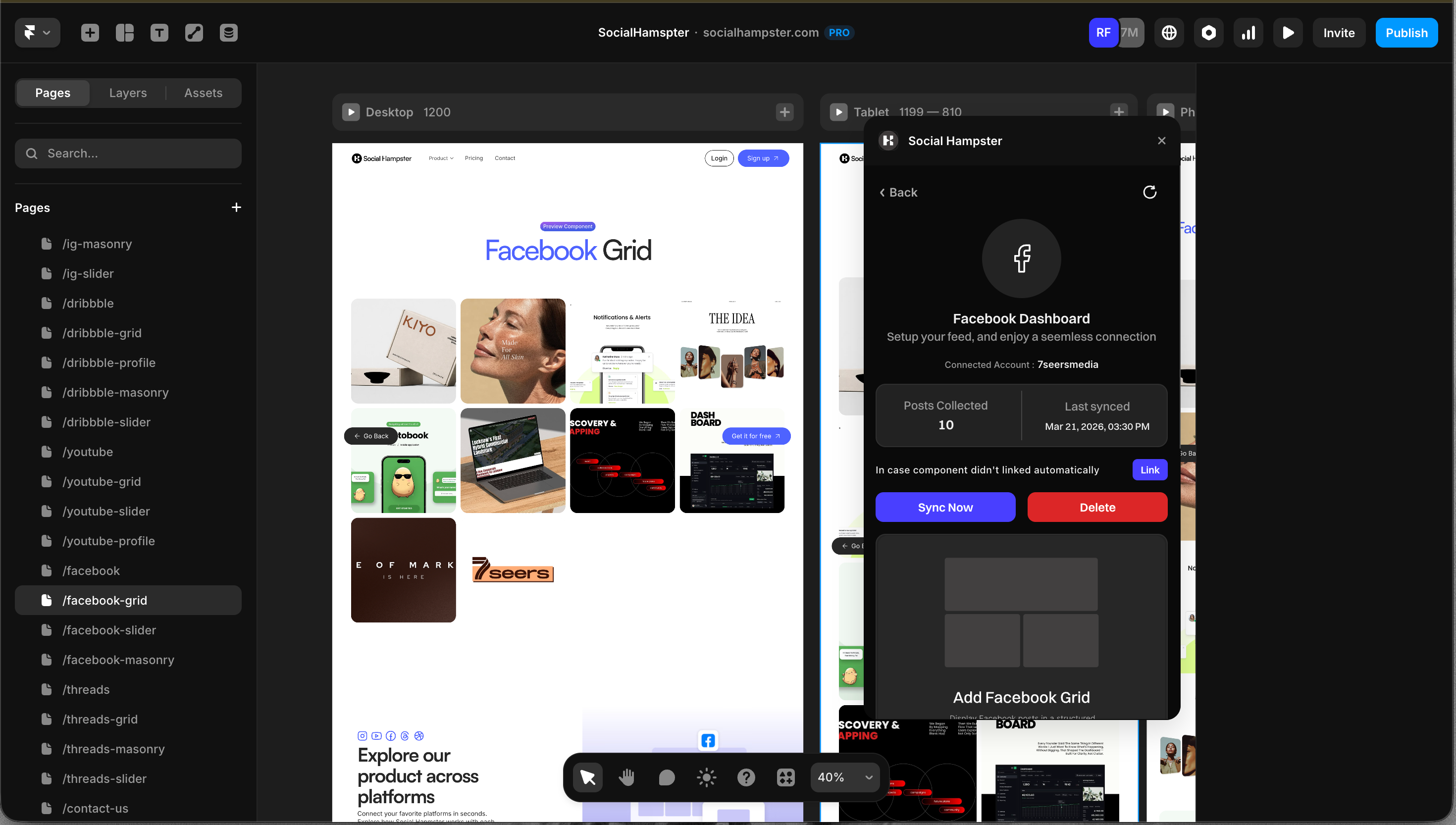
Displays your Facebook Page posts in an even column grid. All posts appear at the same size for a clean, structured layout. Available on the Free plan.
Important: This component requires a Facebook Page. Personal Facebook profiles are not supported by Meta's API and cannot be connected.
Plan: Free and aboveHow to Insert
From the plugin: After connecting your Facebook Page, click Grid in the plugin panel.
From the dashboard: Click Details on your Facebook feed, click Copy next to Grid, then paste in Framer with Cmd+V or Ctrl+V.
Props Reference
Common Issues
Facebook Page is not connecting
Make sure you are connecting a Facebook Page, not a personal profile. During the OAuth flow, grant all requested permissions. If you manage multiple Pages, select the correct one when prompted.
Feed not showing on the published site
Whitelist your domain. In the Social Hampster dashboard, open your feed, click Details, and add your published site URL under Allowed Domains.
Old posts are showing
Use the Sync button on your feed card in the dashboard to pull in the latest posts from your Facebook Page.