Dribbble Profile Component
Displays your Dribbble profile
Written By Social Hampster
Last updated 7 months ago
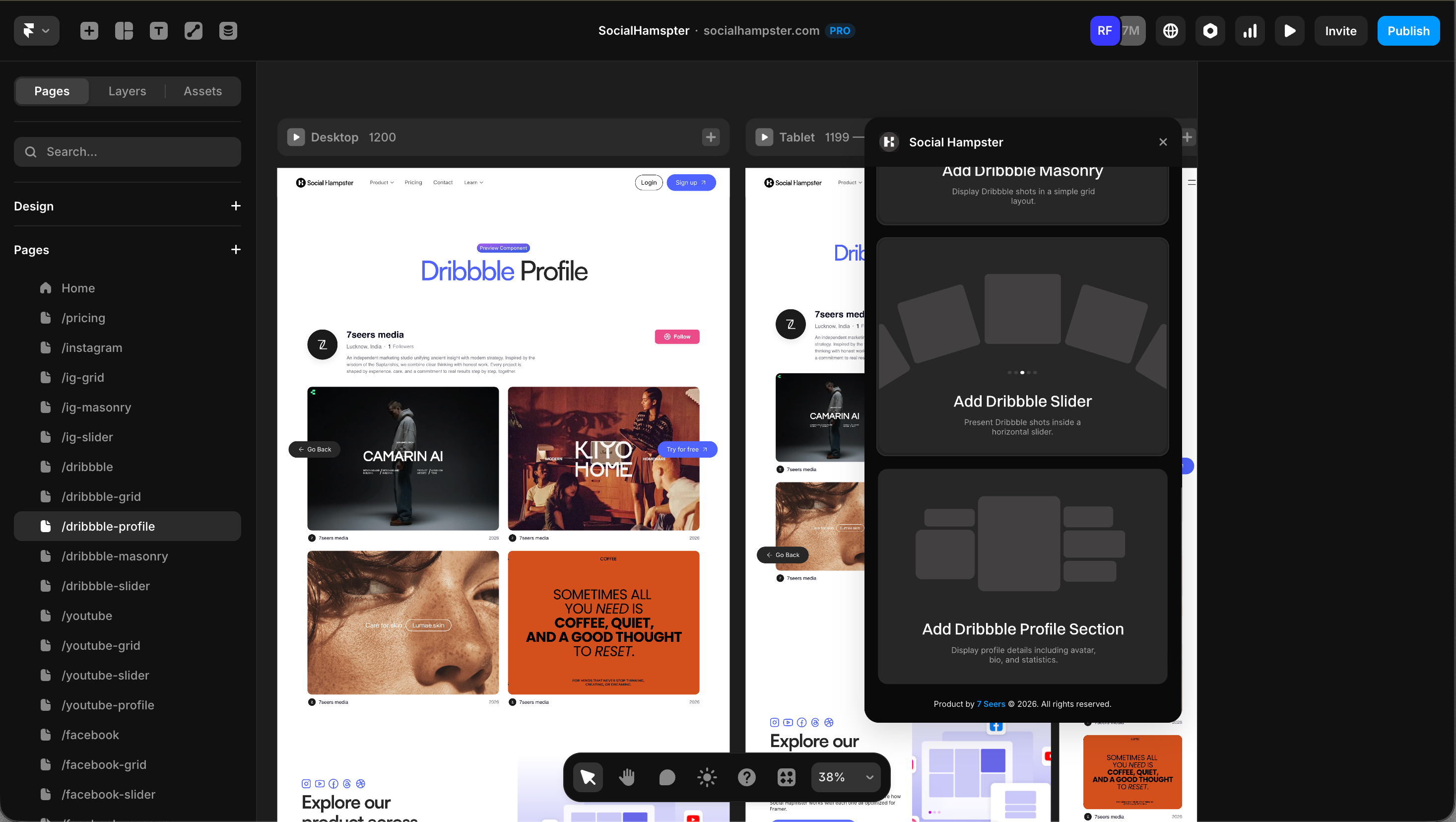
Displays your Dribbble profile information: your avatar, display name, follower count, shot count, and bio. Designed to be placed alongside your Dribbble Grid or Slider to give your portfolio a professional, branded look.
Plan: Personal and aboveHow to Insert
From the plugin: After connecting your Dribbble account, click Profile in the plugin panel.
From the dashboard: Click Details on your Dribbble feed, click Copy next to Profile, then paste in Framer with Cmd+V or Ctrl+V.
Props Reference
Use Case Idea
Place the Profile component at the top of your portfolio section to display your Dribbble identity, then follow it with a Grid or Slider of your shots. This creates a complete, auto-updating portfolio section on any page of your Framer site.
The component updates automatically when you gain followers or publish new work, so you never need to edit it manually.
Tip: This component works especially well for personal portfolio sites and agency sites. Pair it with the Dribbble Grid for a clean, always-current showcase of your design work.
Was this helpful?
Still need help? Ask the team